Invoicing and pre-accounting

Keep pre-accounting linked from invoice to collection

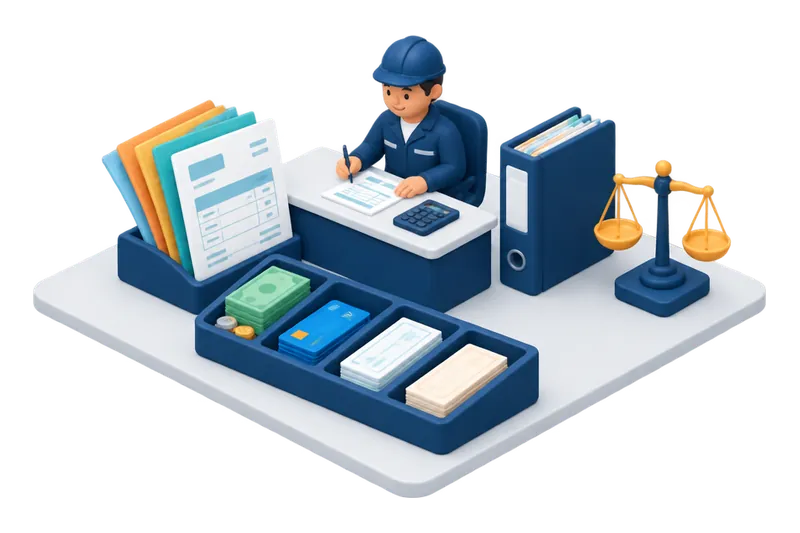
Gemba is at the pre-accounting level: invoices, collections and payments, current account balances, cash and bank movements and the cheque and promissory note portfolio run in the same records. You transfer detailed accounting to your own accounting software; e-Invoices, e-Archive invoices and e-Waybills are sent through Nilvera.
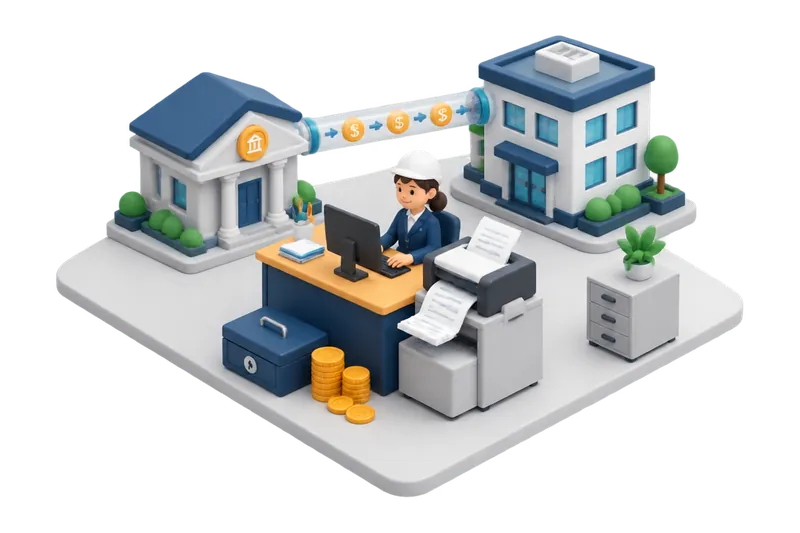
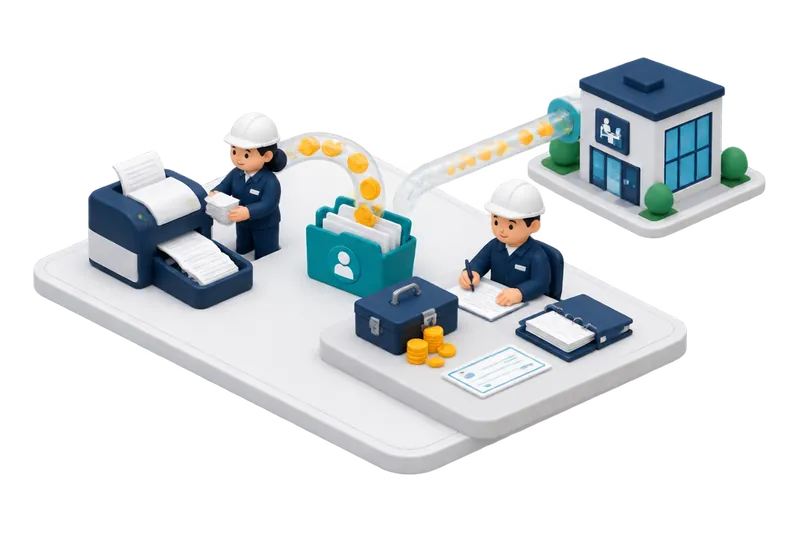
Invoice, collection and current account are linked

The status and payments of an invoice are reflected in the current account balance.

Cash, bank and cheques on the same page

Money in and out, and the cheque and promissory note portfolio, sit together in two tabs.

Detailed accounting stays in your software

Invoices, dispatch notes and accounting vouchers are sent to your accounting software.

Invoices and current accounts

From the invoice to the balance.

Invoice

There are sales, purchase, e-Archive, export, import, refund and consignment invoice types; VAT, excise tax, communications tax, VAT withholding and income withholding are added to the lines. An invoice moves through draft, sent, accepted, rejected or cancelled.

Collections and payments

An invoice payment is entered as cash, bank, cheque or promissory note. A collection or payment can also be made directly to a current account; open invoices are closed from oldest to newest and any remainder stays as an advance.

Current account

Debit, credit and net balance are followed per customer and supplier; movements are created automatically from invoices, payments, cheques and promissory notes, and current account payments.

Cash, bank and cheques

Money movement and the portfolio.

Money in and out

Money in and out is visible per account for cash and bank accounts. If an open banking connection is set up, bank movements arrive hourly.

Cheque and promissory note portfolio

Incoming and outgoing cheques and promissory notes are followed in the portfolio and move to cashed or returned.

e-Transformation and accounting transfer

Sending and transferring.

e-Invoice, e-Archive and e-Waybill

Invoices are sent with your Nilvera account; the status is updated during the day and incoming invoices are answered. An e-Waybill is sent from the shipment record.

Transfer to accounting software

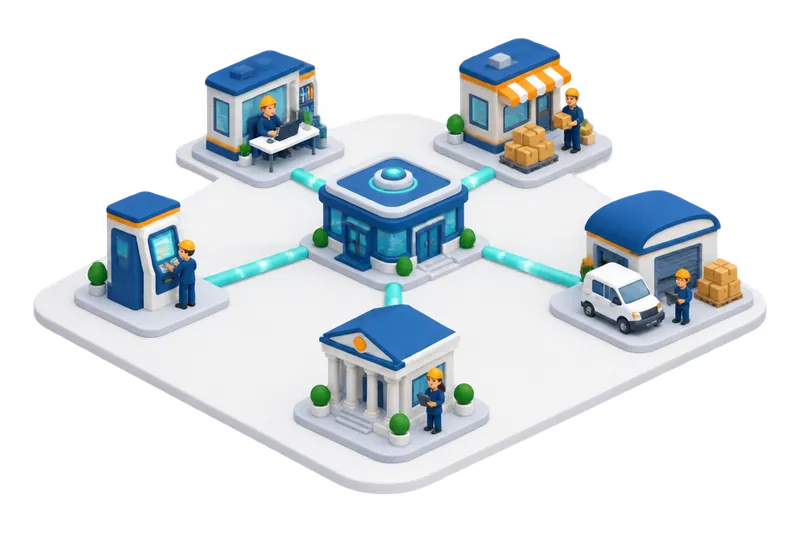
Sales invoices, dispatch notes and accounting vouchers are sent to Logo, Uyumsoft, Paraşüt, Zirve or Mikro; connection details are on the Integrations page.

Frequently asked questions

Most frequently asked questions about invoicing and pre-accounting

No. Gemba is at the pre-accounting level; it does not produce journals, trial balances, VAT returns or payroll. For detailed accounting you transfer the data to your own accounting software.

Yes. A collection or payment made to a current account closes open invoices from oldest to newest; any remainder stays as an advance.

You need a Nilvera account and an e-Transformation connection in Gemba; we set it up together.

You may also wonder

Let's set up your invoicing together

Write to us and let's clarify your invoice types, accounts and accounting software together.

How should we address you?
Which number can we reach you on?
When should we call you?

Choose the time slot that suits you (Turkey time, business days).

Your details are used only to call you. Personal Data Policy

Invoices, collections and current account movements stay in the same records.