Workspace

Tasks, documents, approvals and rules in one workspace

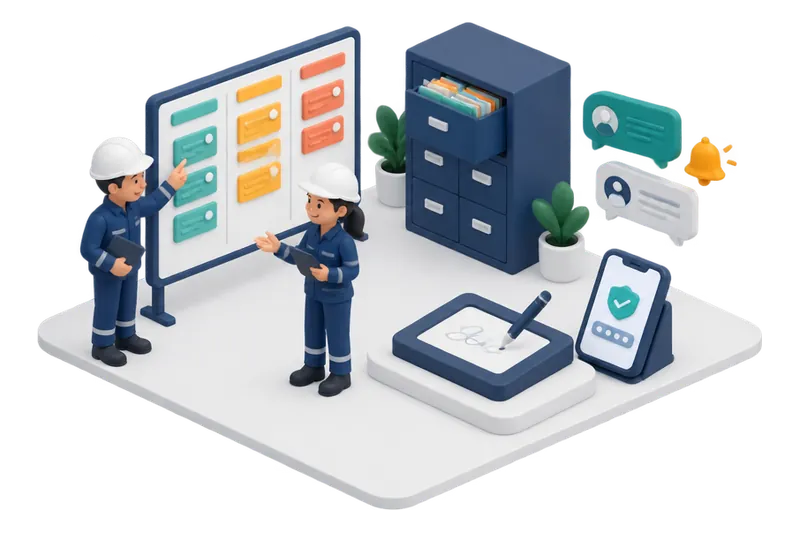
From any record a task is opened, a file is attached, messages are exchanged and signatures are collected. The approval flow defines the order of decisions, scenarios define what to do when an event happens, and forms collect surveys, exams and audit lists in the same structure.

Tasks tied to records

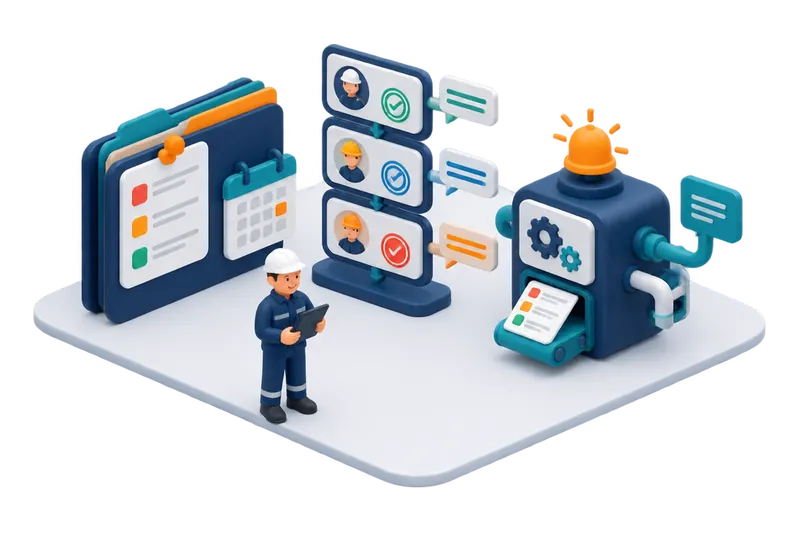
A task is opened from a record or kept standalone, and is followed by priority, due date and status.

The order of decisions is recorded

Approval steps, approvers and comments stay in the flow record.

Rules run by themselves

When an event happens, a notification, a task or an external call starts through a scenario.

Tasks and collaboration

The daily work around records.

Tasks

A task is opened from a record or standalone; it carries a priority (low, medium, high, critical), a due date, an owner and tags. The statuses are not started, in progress, on hold, in review, completed and cancelled; a reason is asked for on cancellation. A task template applied to a record opens a task list, and a recurring template creates tasks by itself through a scheduled job.

Documents

The company document library is folder-based: folders are created and renamed, files are moved and ordered, and the storage used and its limit are visible. A file can be marked sensitive. AI analysis can be requested for images and document content, and the results are listed. Files attached to a record stay in the record's own attachments section.

Messaging

One-to-one and group conversations are set up between users; online status and the typing indicator are delivered in real time, and the number of unread messages is tracked. Records also have their own message stream: a user mentioned in a message on a record is notified and unread mentions are listed.

Digital signature

Signatures are collected from the signature section on the record's detail page. The signer's name and title are written to the record at the moment of signing, so later changes to the user's details do not affect an earlier signature. Optionally, a code sent by SMS to the signer's phone is verified.

Approval and automation

The order of decisions and what to do when an event happens.

Approval flow

For each process type an approval scheme of sequential steps is defined, and each step has its approver. The user whose turn it is sees the item in their own approval queue and approves or rejects it with a comment; the management screen lists the status of all flows and the next approver. Once a scheme is defined, processes such as task completion, purchase orders, official letters, document revisions, nonconformities, risks, calibration certificates and carbon reports go through this flow.

Scenarios

A scenario starts with a trigger, is filtered by conditions and runs actions. The triggers are orders, work orders, tasks, document uploads, quality rejects, problems, measurement thresholds, a device losing its connection, kaizen, gemba walks, Andon, user accounts and time-based runs. The actions are e-mail, SMS, push notification, in-app notification, opening a task, calling an external address, changing a status and generating AI text.

Control of actions

A scenario action can be tied to an approval scheme by its class (record, notification, status change, external call): if a scheme is defined the action waits for approval before it runs, otherwise it runs directly. Each action is kept as an action record; the run records are listed per scenario, and a scenario can be duplicated and switched on or off.

Forms, sharing and data transfer

Forms that collect data, links opened to the outside, and Excel in and out.

Form platform

Surveys, exams, audit lists, interviews and free forms are built in one structure: sections form a tree with sub-sections; questions can be scored single choice, multiple choice, rating, yes–no–not applicable and free text. A form is edited as a draft, its content does not change once published, and it is assigned to users. A pass percentage and a time limit can be set for an exam; answers are saved as they are entered and the score is calculated on completion. Responses are listed, exported to a file and a PDF is available per response.

Share links

An outward-facing link is generated for sales and purchase orders, purchase quote collection, maintenance requests, job-posting applications, controlled documents, official letters and form filling. A link can be revoked; each successful access is traced with the date and a shortened browser string, and the raw IP address is not stored. The management screen lists the company's links by type and text; generating a link works in a company with the Sharing module on; external stakeholders are kept as a separate definition.

Excel import and export

Records filtered on list screens are exported to an Excel file; a template is downloaded for import. The rows of the uploaded file are validated one by one: valid rows are processed, and rejected rows come back in an error list with their row number. Import and export work in a company with the Import/Export module on; which record types offer them varies by screen.

Frequently asked questions

Most frequently asked questions about the workspace

No. A task can be opened tied to a record or kept standalone; a standalone task has no source record.

If no scheme is defined or the approval module is off, the review step is not offered and the task is completed directly.

Equal, not equal, contains, greater, less, in list, not in list, empty and not empty are used; conditions are combined with a logical operator.

A form with responses is not deleted; the exam result stays as a record. To take a form out of use, it is archived.

No, the person who opens the link does not log in. Access closes when the link is revoked.

You may also wonder

Let's set up your workspace together

Tell us about your task, approval and form processes and let's clarify together which module to start with.

How should we address you?
Which number can we reach you on?
When should we call you?

Choose the time slot that suits you (Turkey time, business days).

Your details are used only to call you. Personal Data Policy

Task, document, approval and form records stay in the same workspace.